Microsoft Access files · macOS
MDB File Viewer
Open an Access .mdb or .accdb file on your Mac. Check the tables first, then export what you need to CSV or SQLite.
One-time purchase · Works offline · Read-only · macOS 12+
- Opens.mdb · .accdb · .mde · .accde
- ExportsCSV · SQLite
- Runs onmacOS 12+ · Apple silicon and Intel
- PriceOne-time, no subscription
The problem
A .mdb file arrives, and macOS has nothing to open it with
Access never made it to macOS. Double-click an .mdb file and Finder asks you to choose an app. None of the usual ones can read it.
You can start a Windows virtual machine. You can also upload the database to a converter. Neither is appealing when you only need a few tables.
The upload is often out of the question. Old Access files tend to come from clients, councils, old servers or former colleagues. The data may not be yours to send anywhere.
MDB File Viewer reads it on your Mac.
How it works
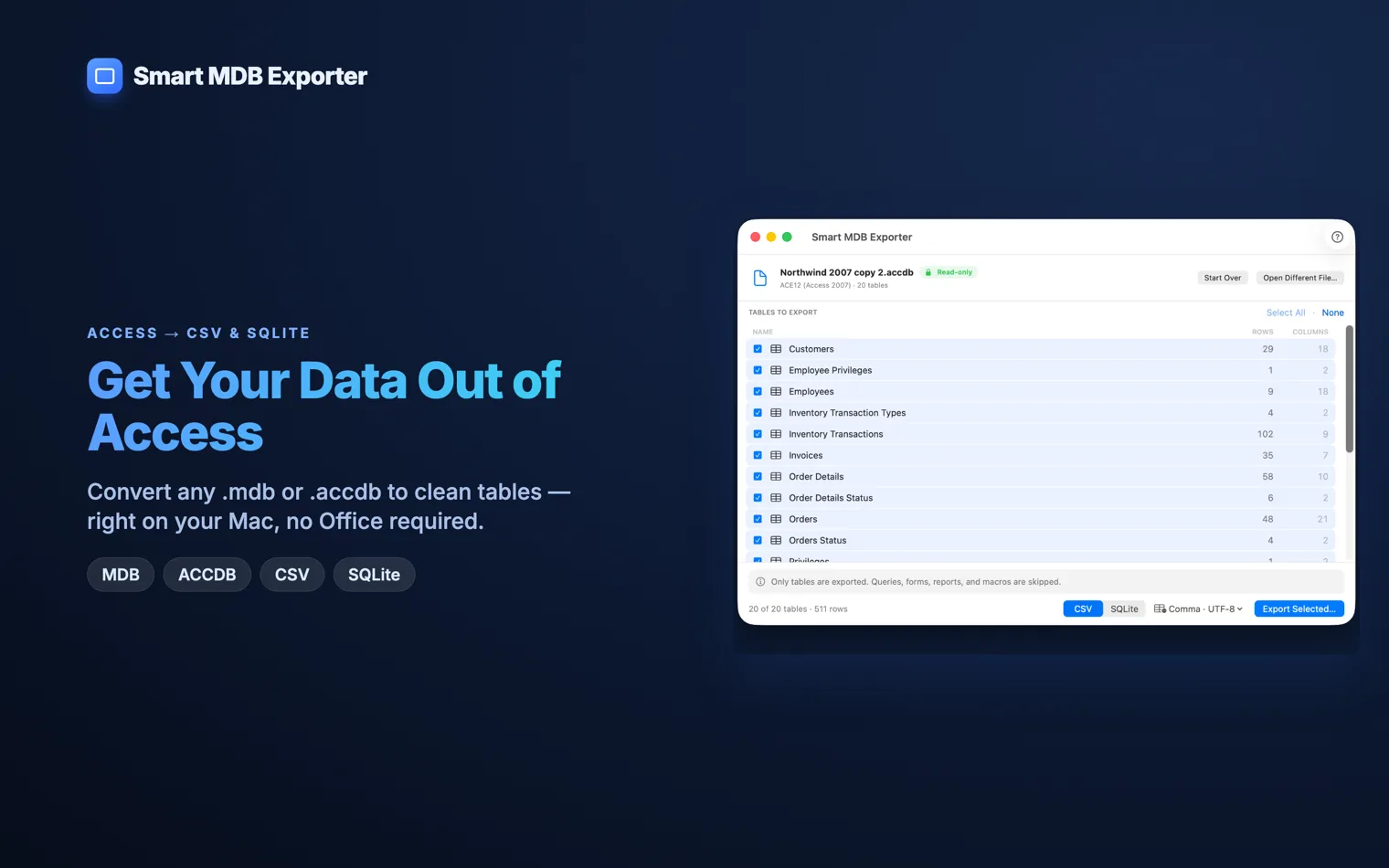
Open the database, read the tables, take out what you need
The app never writes to the source file.
- 1
Open the database
Choose an
.mdb,.accdb,.mdeor.accdefile. If an encrypted.accdbneeds a password, the app asks for it. You then get a list of tables with their row and column counts.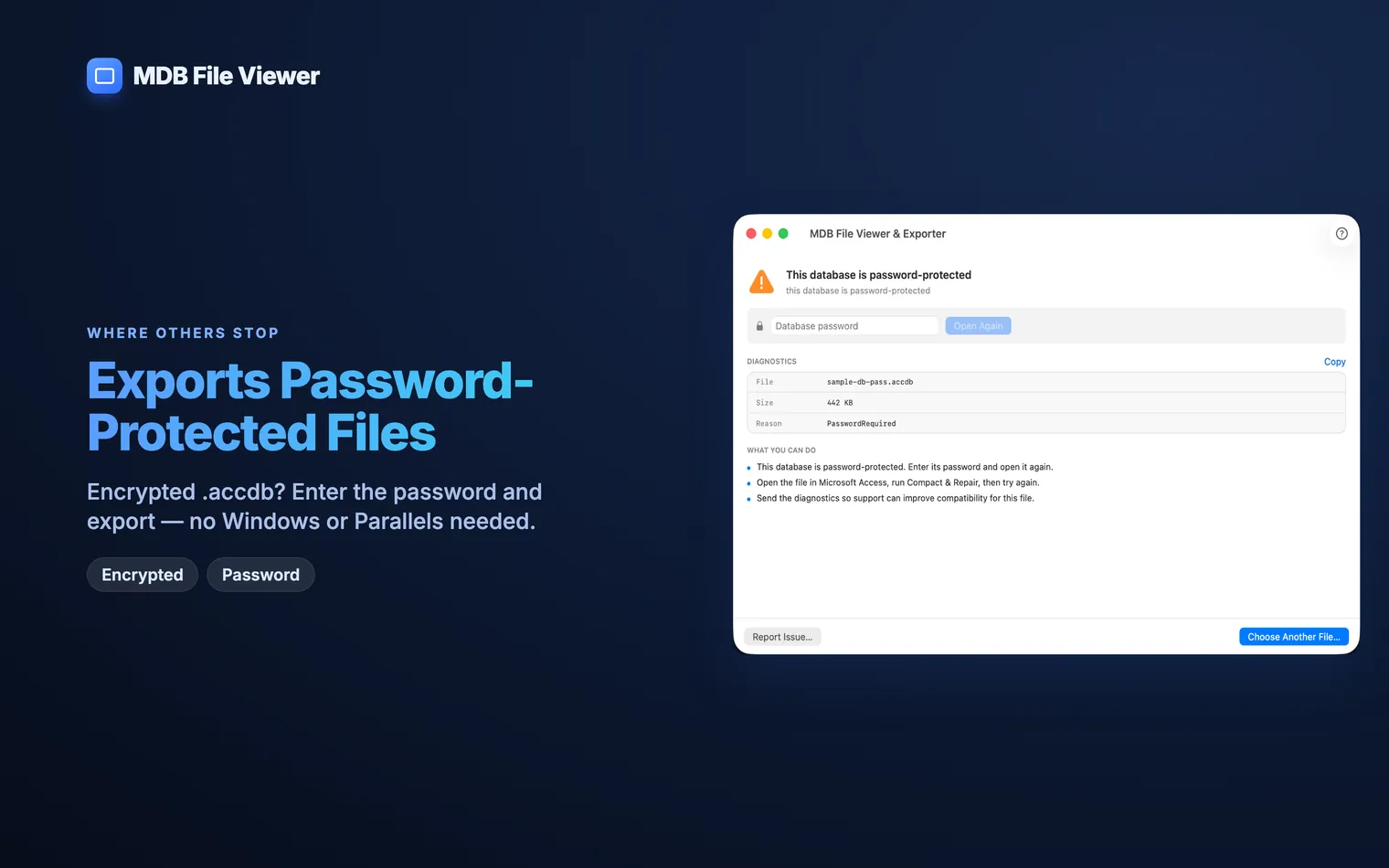
- 2
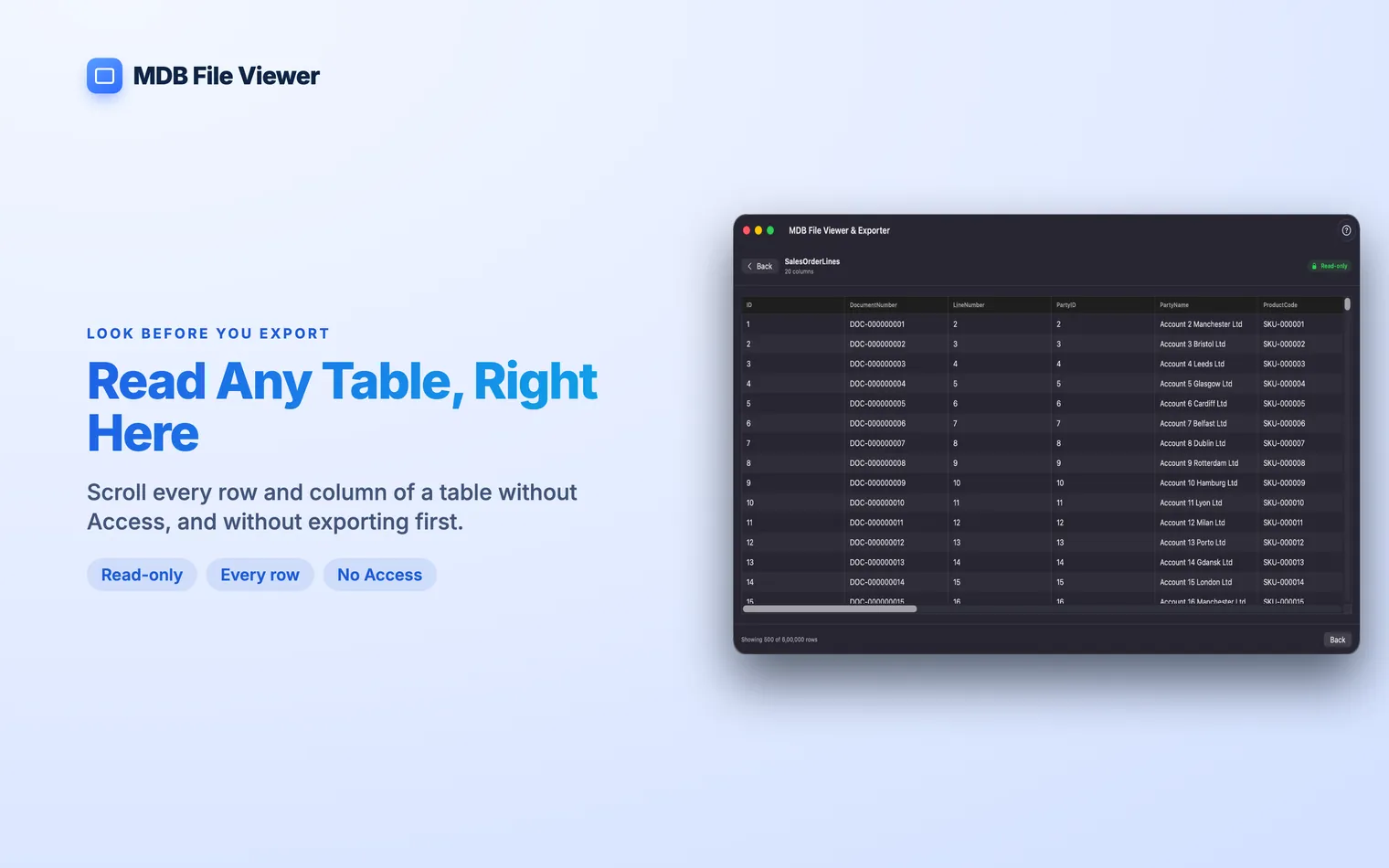
Read a table without exporting it ★
Open a table and scroll through every row and column. A table with 600,000 rows opens in a couple of seconds. You can inspect the data, but you cannot edit the source.
- 3
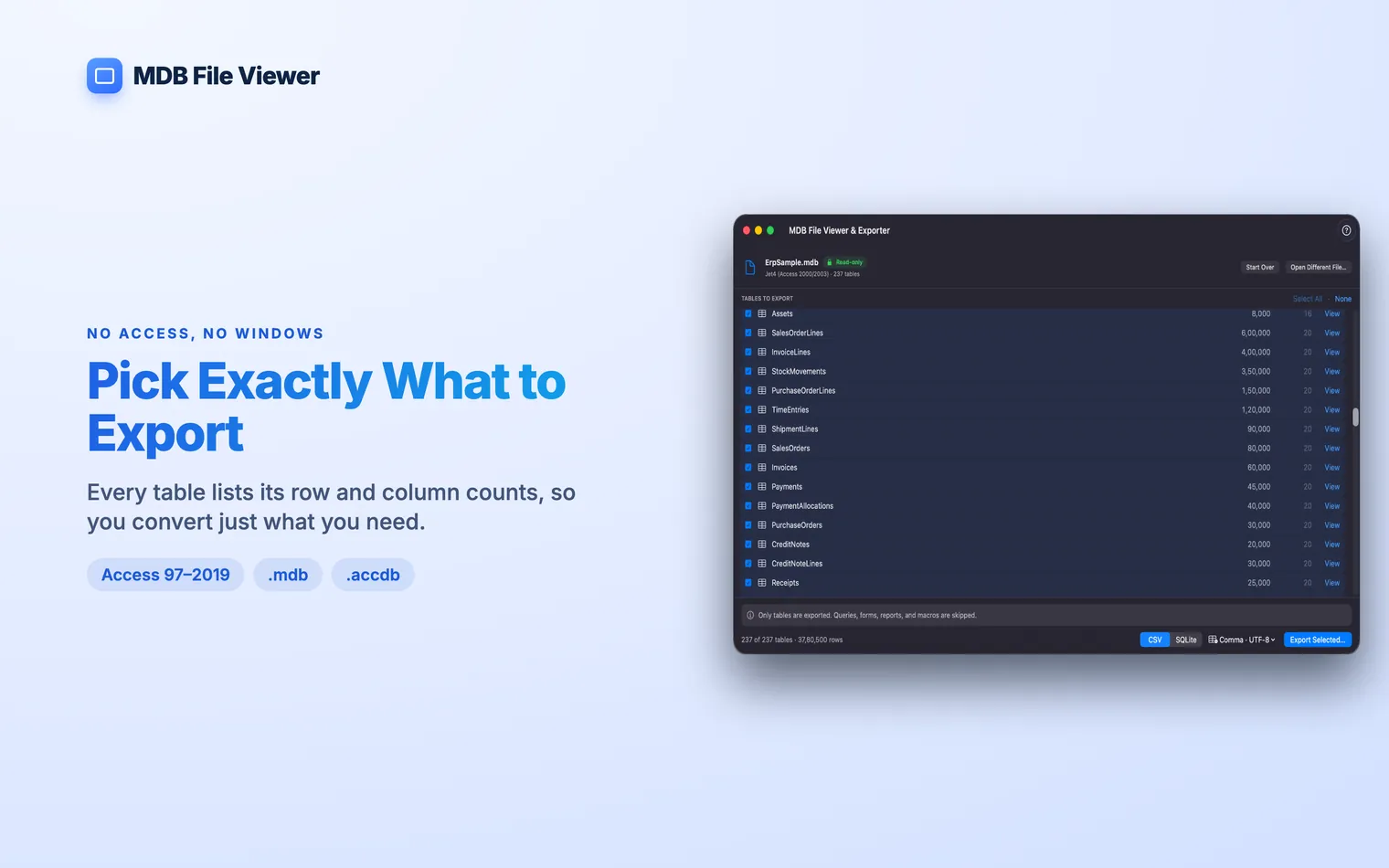
Pick what to export
Tick the tables you need, or select them all. The row and column counts stay visible while you choose.
- 4
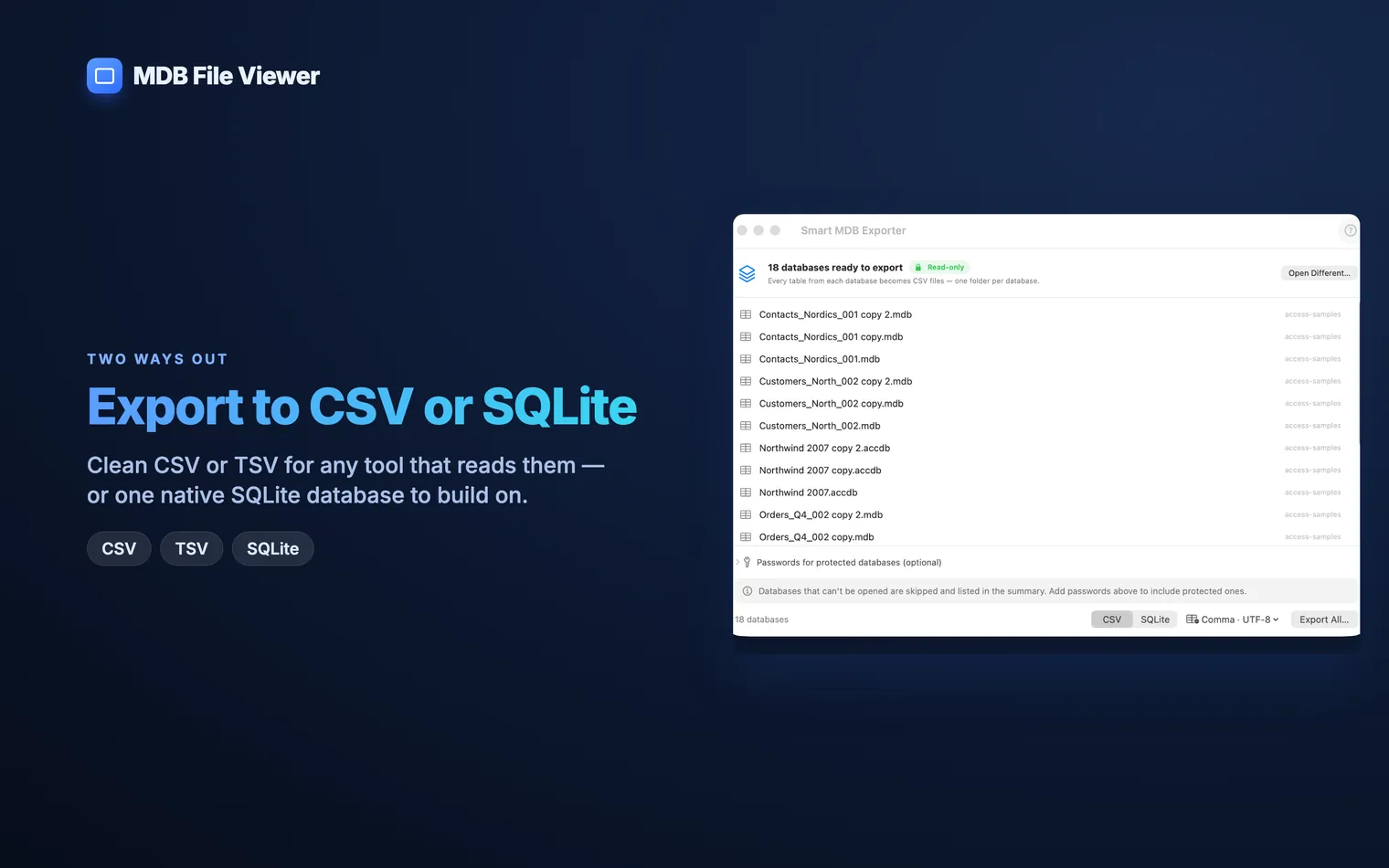
CSV or SQLite
Export to CSV with comma, semicolon or tab separators. Add a UTF-8 BOM if the file is going into Excel. Or put every table into one SQLite database.
Features
Built for the awkward databases too
Handles a whole folder
Drop in a folder of databases. Each one gets its own export folder.
Reports what happened
Each run records the row counts and anything it skipped. The summary is saved as text, JSON and CSV.
Copes with big databases
Files over a gigabyte work too, including databases with hundreds of tables and millions of rows.
Privacy
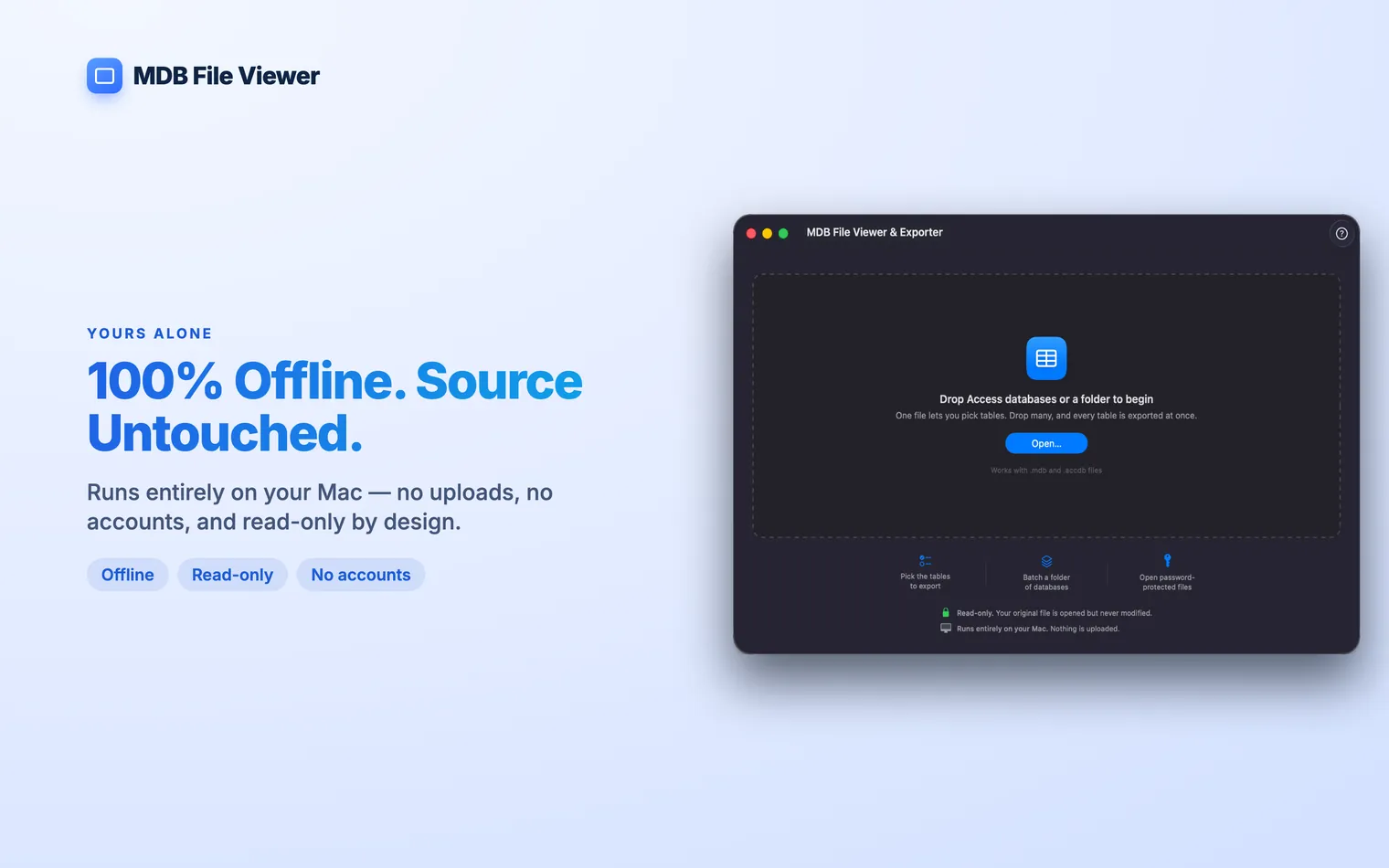
Nothing leaves your Mac
- Read-only. The app opens the source database without writing to it. A failed export cannot alter the original.
- Offline. No uploads, no account, no tracking, no analytics.
- One-time purchase. Buy the app once. There is no subscription or licence server.
Guides
Guides for Access files on a Mac
What these files contain, why macOS cannot read them, and the ways around it.
- How to Open an MDB File on a MacFour ways to open a Microsoft Access .mdb file on a Mac, from mdbtools to running Windows.
- What Is an MDB File?An .mdb file is a Microsoft Access database. Here is what it contains and why a Mac cannot open it on its own.
- Microsoft Access for MacThere is no Mac version of Microsoft Access. The right alternative depends on whether you need the app or only the data.
- Open an ACCDB File on a MacOpen a Microsoft Access .accdb file on a Mac, including a password-protected one, without installing Access or Windows.
Common questions
Can I open an .mdb file on a Mac without Microsoft Access?
Yes. MDB File Viewer reads the database directly and exports its tables to CSV or SQLite. You do not need Windows, a virtual machine or an Office licence.
What is an .mdb file?
It is a Microsoft Access database. One file can hold the tables, queries, forms and reports for an entire application. .mdb is the older format. Access replaced it with .accdb in 2007. The app opens both.
Does it open password-protected databases?
Yes, for encrypted .accdb files. The app asks for the password when you open the file, then handles it like any other database.
Will it change my original database?
No. The app never writes to the source file. If an export fails, the original database is unchanged.
Is there a free MDB viewer for Mac?
mdbtools is free and runs on a Mac from the command line. Many other free options are Windows apps or web converters. A web converter means uploading the whole database, which may rule it out for client or company data.
Can it export to Excel?
Not as .xlsx yet. Export to CSV and open that file in Excel. Turn on the UTF-8 BOM option for accents and non-Latin text.